Tell me about yourself.
Private beta. Your onboarding conversation is sent to Boswell's Atlas service and Anthropic for personalization. Do not include confidential or third-party information unless you are authorized to share it. Privacy details.
Illustrative example · Possibilities for your work
Start with the work already in front of you.
Illustrative example · What Boswell could hold for your work
Kept, in your own words.
A month from now
How it works
Boswell remembers.
Every memory becomes part of an immutable, Git-shaped history.
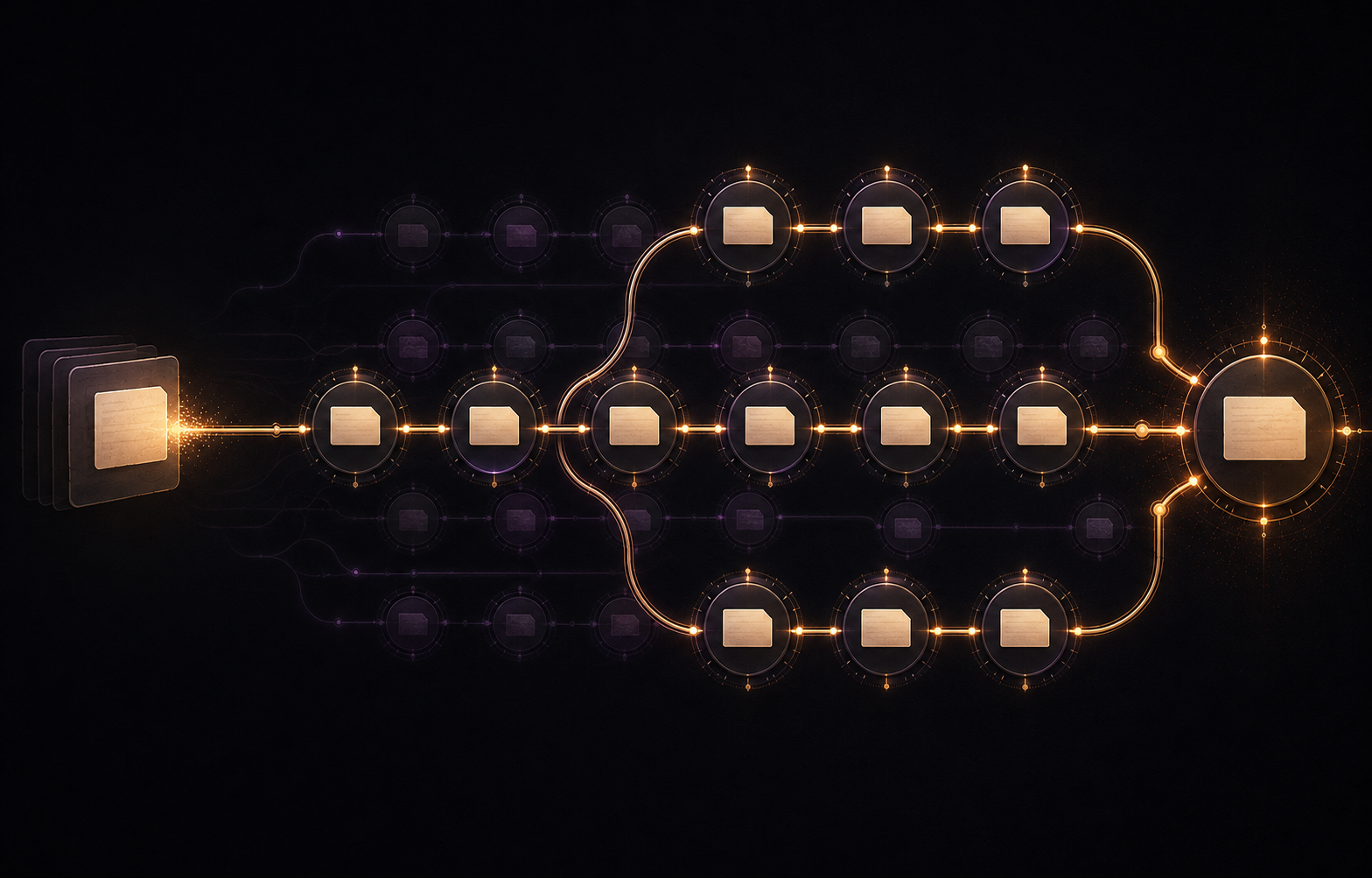
Every memory gets a timestamp.
Changes create a new version. Earlier versions stay intact.
Branches keep different parts of your life distinct—and connected.
It finally remembers.
Boswell is an invitation-only private beta, free for personal use with Gemini, Claude, ChatGPT, Grok or Perplexity on the web, where your assistant account supports custom connections. You can also use Claude Code or Codex. Choose one assistant; another AI account or a coding tool is not required. This page is an illustrative example built from your answers; check important output from Boswell.
Have an invitation? Open its personal activation link. Need one? Email steve@askboswell.com.